

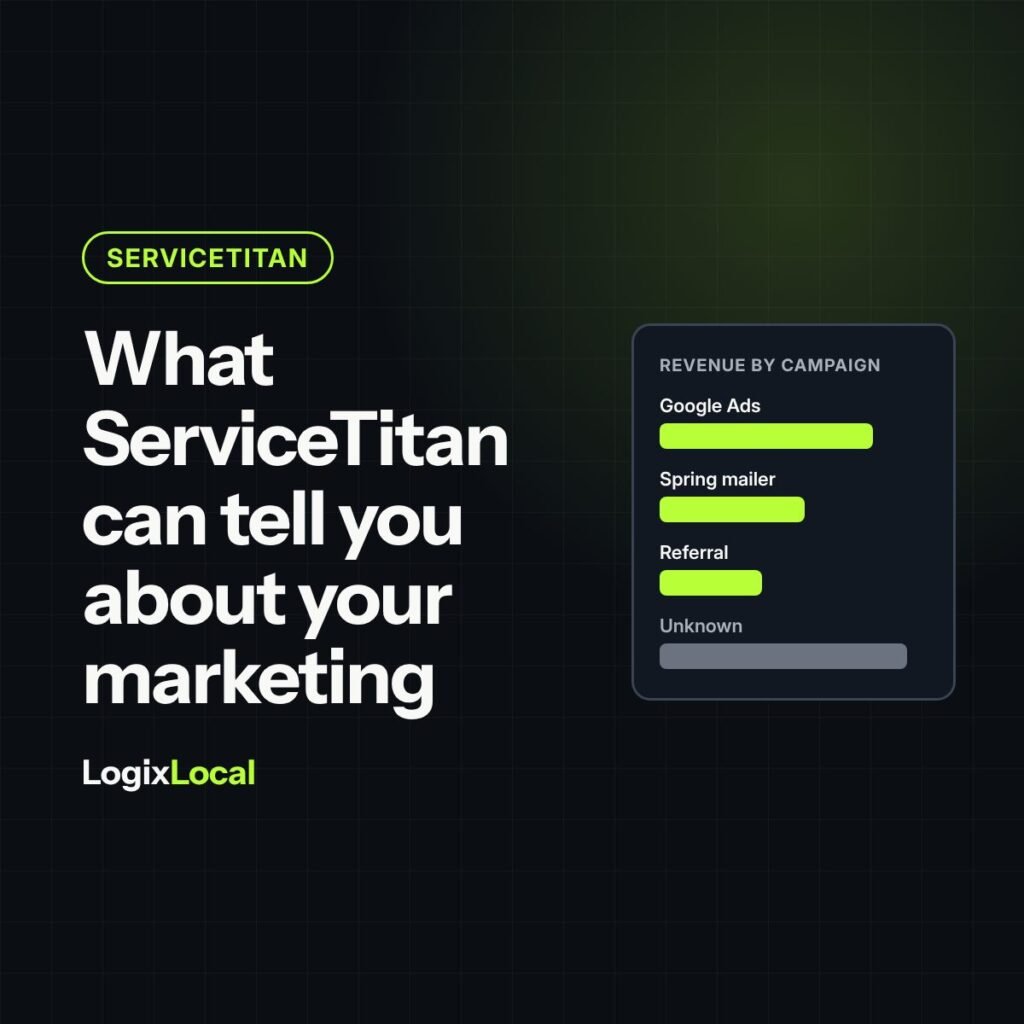
Short version: ServiceTitan knows your jobs, revenue, booked calls and close rates better than any ad platform. What it knows about your marketing depends on one field: the campaign attached to each call and job. Set up tracking numbers and website tracking correctly, watch how many jobs land in “Unknown” or “Direct,” understand the attribution window, and remember what lives outside ServiceTitan, like ad spend, form leads that never connect and customers who call your main number.
Plain definitions
- Campaign: in ServiceTitan, the marketing source attached to a call or job, such as “Google Ads – Roofing” or “Spring Mailer.”
- Tracking number: a phone number tied to one campaign, so calls to it are credited to that campaign.
- Dynamic number insertion (DNI): a script on your website that shows different tracking numbers depending on how the visitor arrived.
- Attribution window: how many days after a customer’s interaction ServiceTitan keeps crediting revenue to that campaign.
- Converted lead: a lead that turned into an appointment.
ServiceTitan is like a Game Boy in 1995: powerful little machine, does nothing useful until you load the right cartridge. For marketing reporting, the cartridge is clean campaign data.
Plenty of owners pay for ServiceTitan and still can’t answer “which marketing paid for itself last quarter?” The software can answer a lot of that. It just can’t answer what nobody told it.
What ServiceTitan tells you well
ServiceTitan is where the job lives, so it’s the best source you have for what happened after the phone rang.
- Booked calls and booking rate, by customer service rep (CSR) and by campaign.
- Jobs, estimates and close rates, by technician, salesperson and business unit.
- Revenue and average ticket, by job type and by campaign.
- Campaign performance, in reports like the Campaign Summary, when campaigns are attached correctly.
Ad platforms count clicks and calls. ServiceTitan counts jobs and dollars. That’s why it belongs at the center of your marketing reporting.
Everything depends on the campaign field
ServiceTitan credits a call to a campaign based on the number the caller dialed. Its help article on capturing and converting leads spells out how that works and what breaks it:
- Each campaign needs its own tracking number. ServiceTitan says never to reuse tracking numbers across campaigns.
- The number has to be linked in two places, in your phone number settings and on the campaign. If either link is missing, attribution breaks.
- The number type matters. Numbers must be set as tracking numbers, not direct dial. Direct dial numbers don’t track campaign events.
- Website calls need the tracking script. Without dynamic call tracking on a landing page, calls from that page show up as “Direct.”
- Leads entered by hand need a campaign picked by the CSR. That choice is only as good as your training.
ServiceTitan also points to a simple warning sign: a high share of “Unknown” campaigns in the Campaign Summary report means tracking problems.
What it can’t tell you on its own
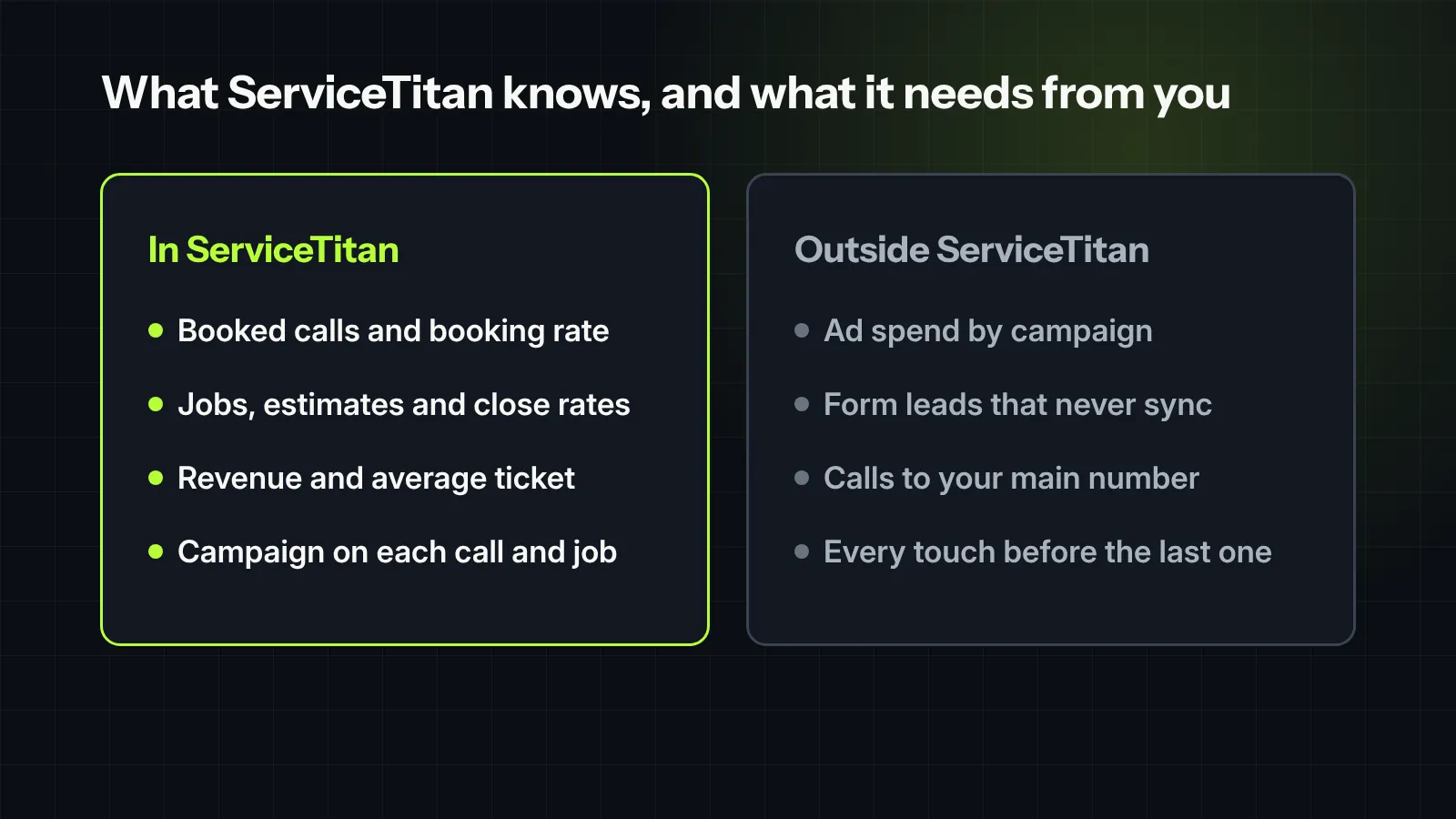
- What the marketing cost. Ad spend lives in Google, Meta and your vendors’ invoices. Unless you bring it in, through ServiceTitan’s Marketing Pro add-on or an integration, cost per closed job gets calculated somewhere else.
- Leads that never made it in. A web form that emails the office, a Facebook message, a lead marketplace that isn’t connected. If it isn’t in ServiceTitan, it isn’t in the report.
- Customers who skipped the tracking number. Someone who saw your truck, then called the number on your invoice, gets credited to whatever campaign that number belongs to.
- The whole journey. ServiceTitan’s attribution settings credit the last campaign before the sale, inside the attribution window. A customer who found you through a mailer and called after a Google ad shows up as Google.
None of this is a flaw in the software. Every system has edges. The mistake is treating the report as complete when it isn’t.
The attribution window decides who gets credit
ServiceTitan lets you set how long revenue keeps getting credited to a campaign after a customer interacts with it. Its help pages recommend 84 days.
Two things to know:
- Last touch wins. If a customer interacts with several campaigns, the last one before the sale gets the credit, as long as it falls inside the window.
- The window can overrule your CSR. With ServiceTitan’s Marketing Pro Ads smart attribution turned on, the attribution window takes top priority and can overwrite the campaign a CSR picked by hand.
That’s usually what you want: the data beats a guess made mid-call. Just make sure your team knows the rule, so nobody is surprised when their campaign choice changes.
Five checks on your setup
- Count the unknowns. What share of last quarter’s jobs show “Unknown” or “Direct” as the campaign?
- Audit the phone numbers. Every tracking number set as a tracking number, linked to exactly one campaign, in both places.
- Check every landing page. Dynamic call tracking installed on each page that runs ads, including pages built outside your main website.
- Review manual campaign picks. How often do CSRs choose a campaign by hand, and do they pick consistently?
- Look at the campaign list. Duplicates, old campaigns and vague names like “Internet” make every report harder to read.
Turn it into the report an owner needs
Once campaigns are clean, ServiceTitan holds most of what an owner should see every month: leads by source, booking rate, close rate and average ticket. Add spend by source, and you have cost per closed job.
That’s the scoreboard covered in the five numbers an owner should see every month. ServiceTitan supplies most of the inputs. Clean campaign data makes them trustworthy.

Field note
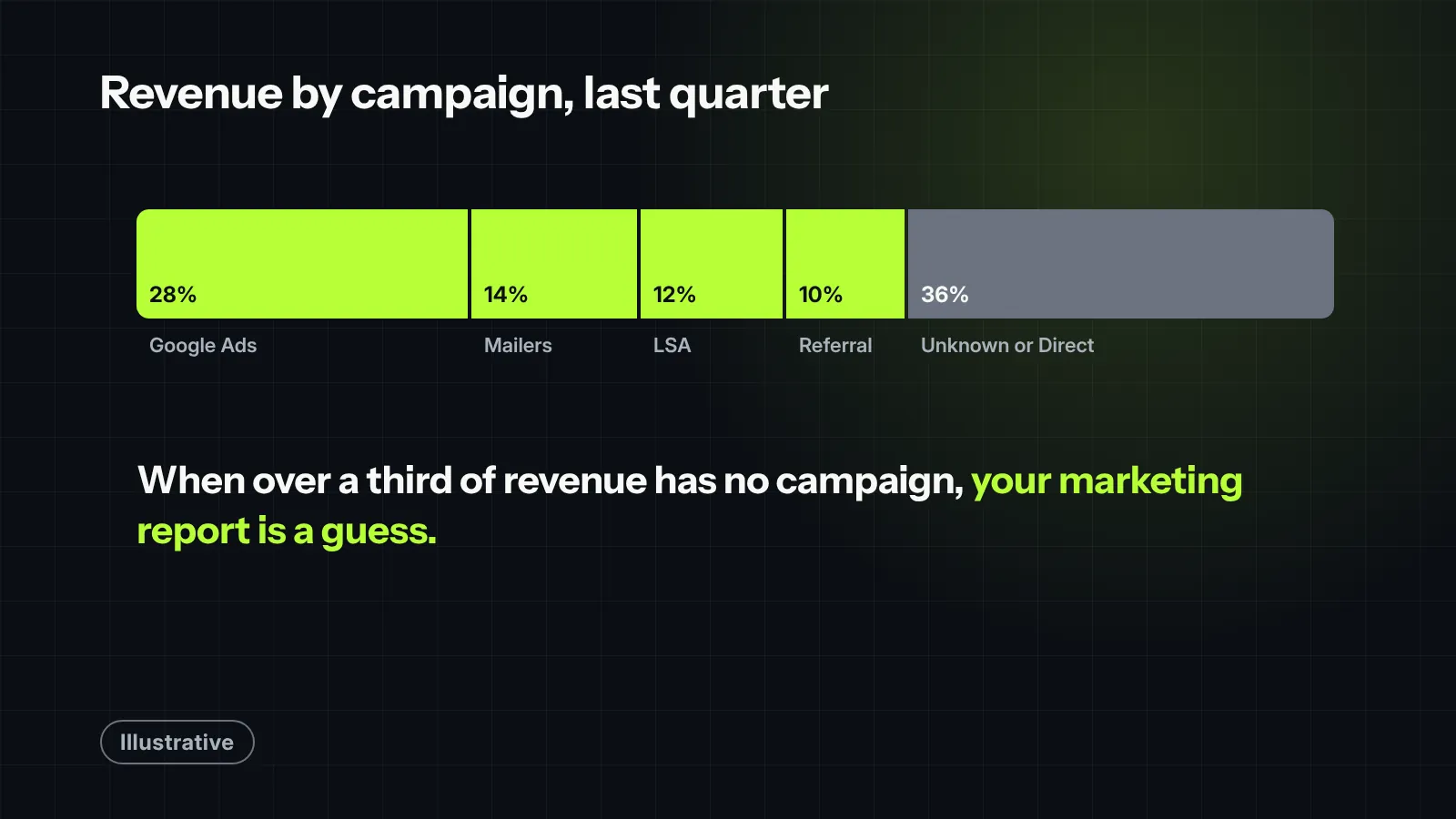
ServiceTitan reporting is only as good as the discipline behind your campaign tracking. We audited an account where over 35% of all closed revenue was sitting in the “Unknown” or “Direct” buckets. The owner thought their ad campaigns were failing, but the reality was simpler: CSRs were skipping the source field during high-volume call windows, and the attribution window was cutting off long-cycle jobs. Once we tightened the required fields and extended our tracking perspective to account for their typical 84-day sales cycle, millions in untracked revenue lined up with the exact ad campaigns that generated them.
What we would check first in your account
- The share of jobs and revenue with “Unknown” or “Direct” as the campaign, last quarter.
- Whether every tracking number is set as a tracking number and linked to one campaign in both places.
- Whether dynamic call tracking runs on every landing page.
- Your attribution window setting, and whether your team knows how it works.
- Where ad spend comes from, and whether cost per closed job can be calculated by campaign.
Want help with this? See our ServiceTitan and reporting work.


