

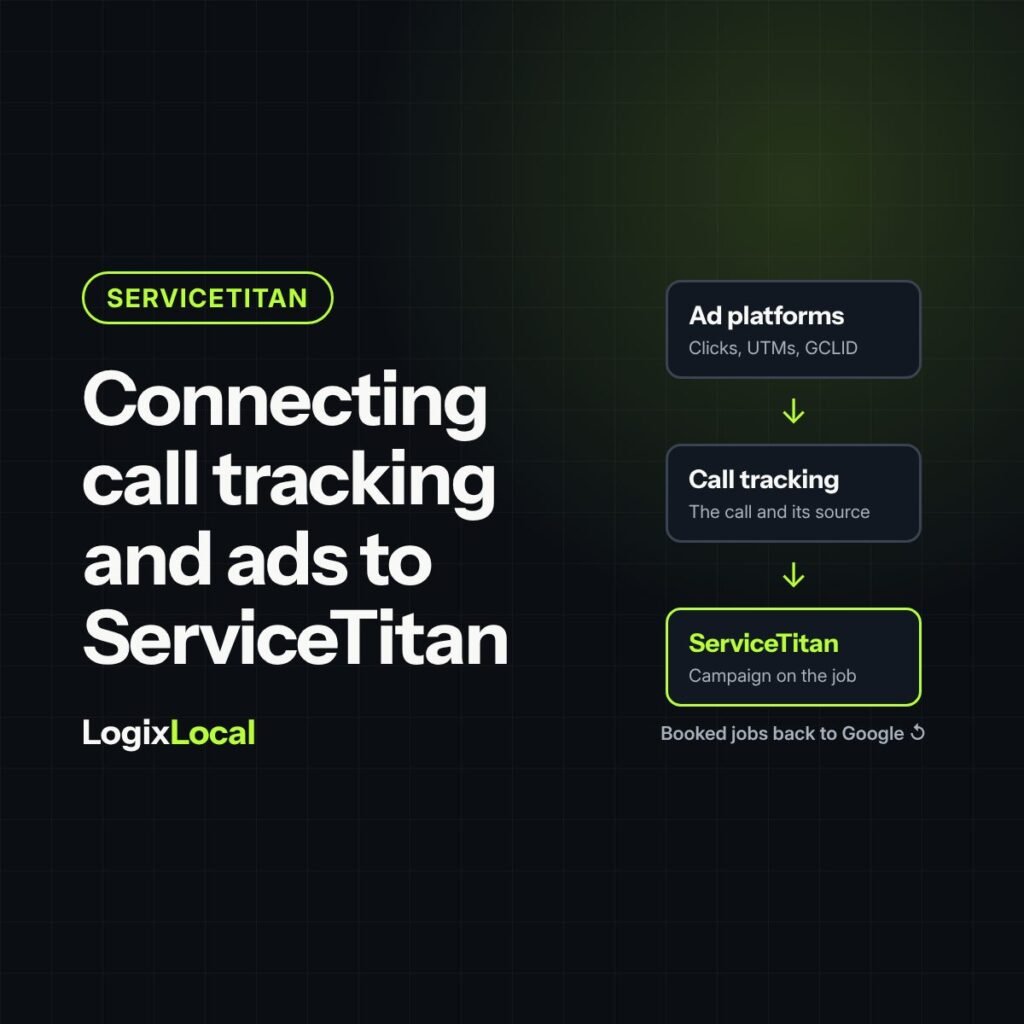
Short version: Connecting call tracking and ad platforms to ServiceTitan lets you follow a click or a call all the way to a booked job and revenue. It only works when the pieces line up: one tracking number per campaign, the right number type, tracking on every landing page, consistent campaign names, and a clear rule for who wins when the software and a CSR disagree. Map it on paper first, then test a call end to end.
Plain definitions
- Integration: a connection that passes data between two systems automatically, such as call tracking software and ServiceTitan.
- UTM tags: labels added to a link that tell your systems where the click came from, such as source, medium and campaign.
- GCLID: the Google Click ID, a code Google Ads adds to a click so the click can be matched to what happened next.
- Offline conversion: a result that happens outside the ad platform, like a booked job, sent back to Google so it can see which ads produced real work.
- Converted lead: a lead that turned into an appointment.
A badly mapped integration is the VCR blinking 12:00 in a 90s living room. Everything is plugged in. Nothing is set. And everyone has learned to ignore it.
The goal is simple to say: every call and form that comes from marketing lands in ServiceTitan with the right campaign attached, so jobs and revenue trace back to what you spent. Getting there takes some mapping.
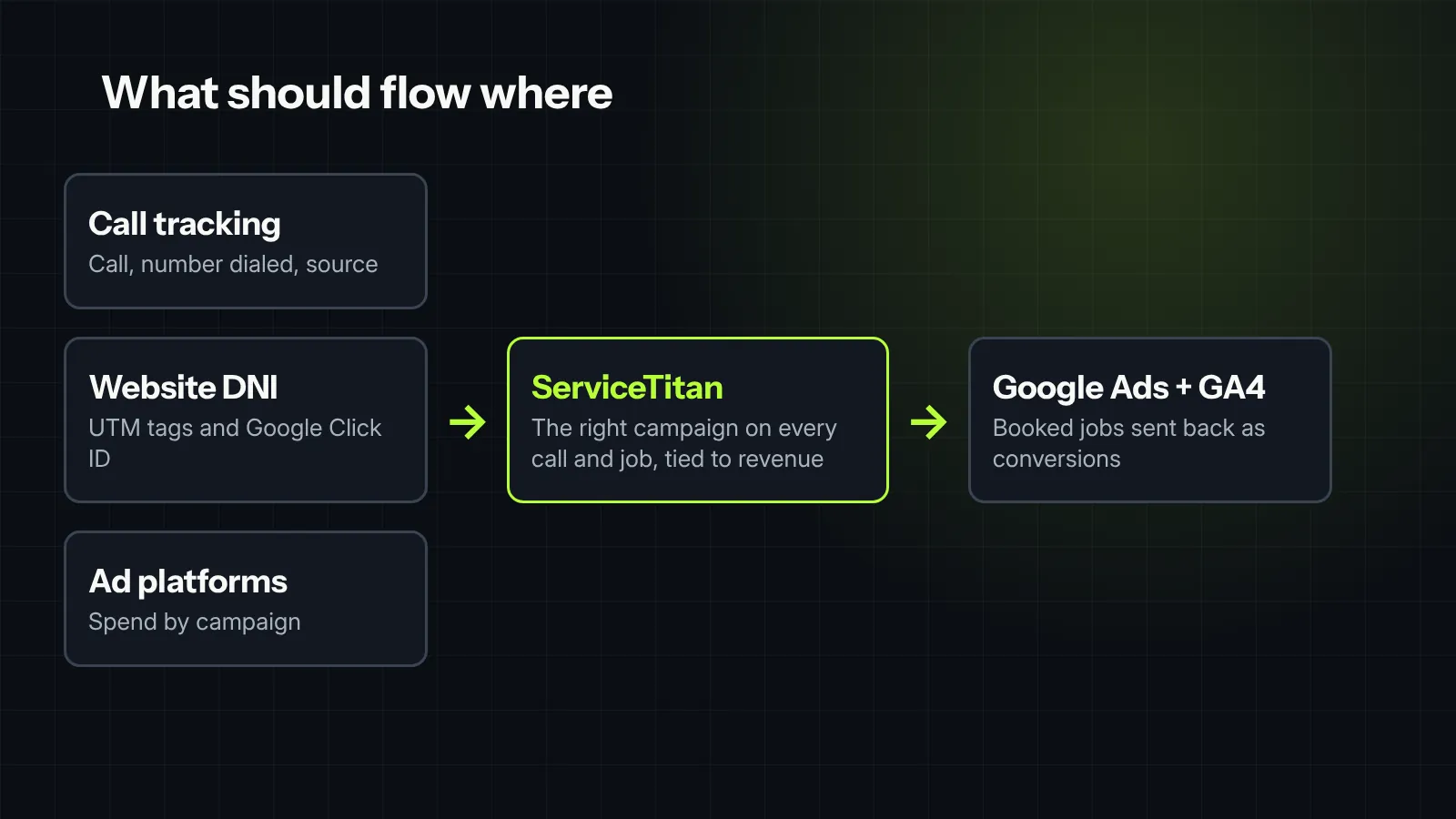
What should flow where
| From | Into ServiceTitan | Why it matters |
|---|---|---|
| Call tracking | The call, the number dialed and the marketing source | Attaches the right campaign to the call and the job |
| Website tracking | UTM tags and the Google Click ID | Ties a website call or form back to the ad or search that sent it |
| Ad platforms | Spend by campaign | Makes cost per closed job possible |
And one flow goes the other way:
| From ServiceTitan | Back to | Why it matters |
|---|---|---|
| Booked jobs and revenue | Google Ads and Google Analytics | Lets Google optimize for jobs, not just calls |
Option 1: ServiceTitan’s own tools
ServiceTitan’s Marketing Pro Ads add-on includes what it calls smart attribution. According to ServiceTitan’s smart attribution help article, it:
- Reads UTM tags and Google Click IDs from website visits through its dynamic number insertion (DNI) script.
- Looks back seven days to match a call that was logged by hand to a recent ad interaction.
- Sends conversions back to Google Ads and Google Analytics 4, so Google sees which clicks became jobs.
It requires the Marketing Pro Ads package. If you don’t have it, the next option is the common route.
Option 2: A call tracking platform connected to ServiceTitan
Many companies already use a call tracking platform like CallRail. ServiceTitan lists CallRail as an integration partner in its marketplace. Based on that listing, the connection:
- Syncs calls into ServiceTitan, matching each to an existing customer or creating a new one.
- Carries the marketing details along: source, medium, campaign and keywords.
- Ties jobs and booked revenue back to the campaign that produced the call.
The setup details vary by package and by account. Ask both vendors exactly which fields sync, in which direction, and how often, before you sign anything.
The mapping sheet: do this before you connect anything
One page, four columns. It will save you weeks of cleanup.
| Marketing source | Tracking number | ServiceTitan campaign | Ad platform campaign |
|---|---|---|---|
| Google Ads – Search | (555) 010-0101 | Google Ads – Search | Search – Water Heaters |
| Spring mailer | (555) 010-0102 | Direct Mail – Spring | None |
| Truck wraps | (555) 010-0103 | Vehicle | None |
The numbers above are examples. The rules behind the sheet:
- One tracking number, one campaign. ServiceTitan’s own guidance is to never reuse tracking numbers across campaigns.
- The same name everywhere. “Google Ads – Search” in one system and “GoogleSearch” in another becomes two rows in a report.
- Every source on the sheet, including offline ones. If it’s missing, its calls land in “Unknown.”
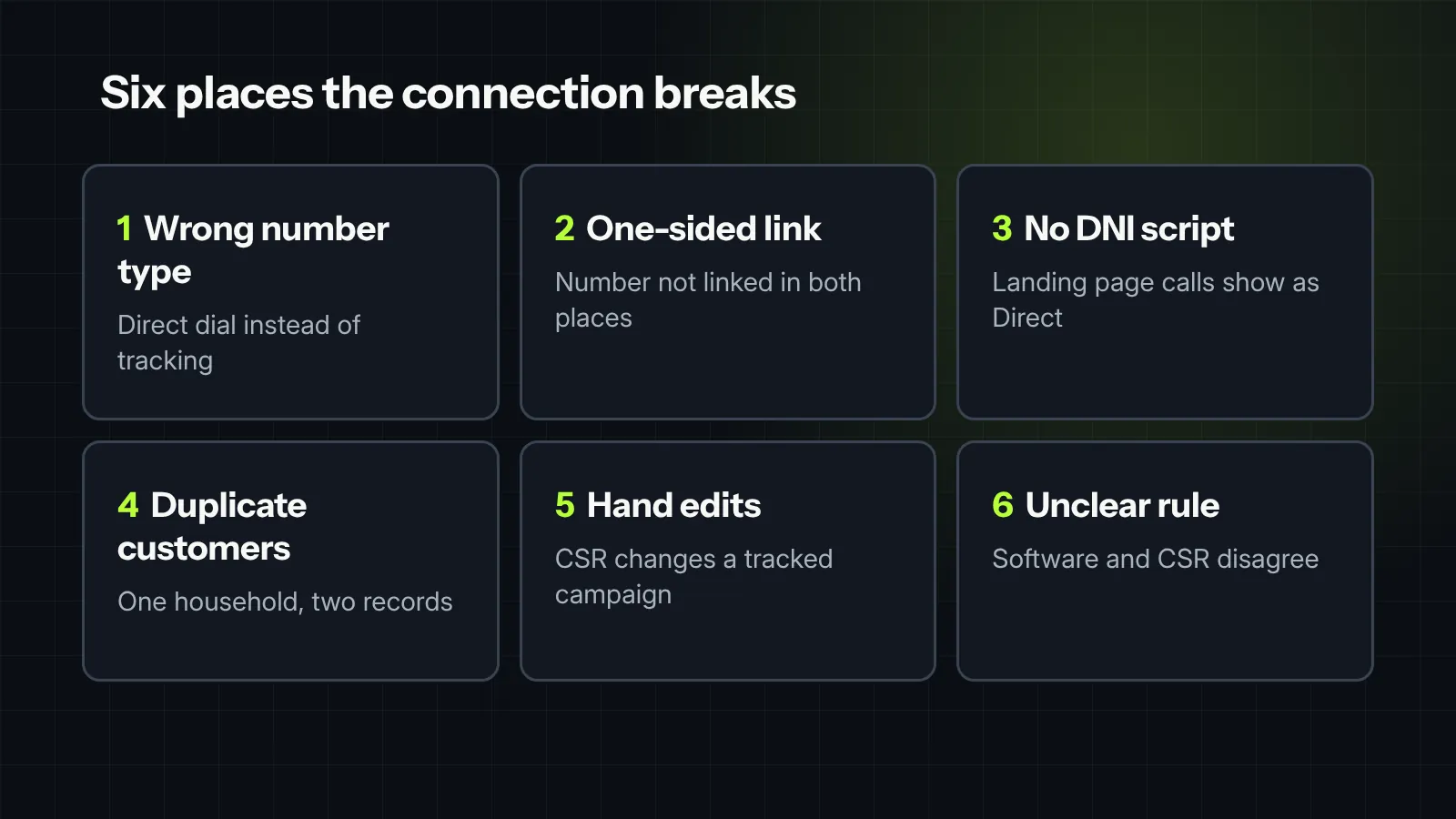
Where it breaks
- Wrong number type. In ServiceTitan, numbers must be set as tracking numbers, not direct dial. Direct dial numbers don’t track campaign events.
- A link missing on one side. ServiceTitan needs the number linked in its phone number settings and on the campaign. Miss either and attribution breaks.
- Landing pages without the script. Pages built in a separate landing page tool often skip the DNI script. Calls from them show up as “Direct.”
- Duplicate customers. If the integration creates a new record instead of matching an existing customer, one household ends up split across two records, and so does its history.
- Hand edits on tracked calls. ServiceTitan recommends against changing the campaign on a call that came in through Google Ads DNI. A well-meaning CSR can quietly undo the tracking.
- Software versus CSR. With smart attribution on, ServiceTitan’s attribution window takes priority and can overwrite the campaign a CSR picked. Decide which rule you trust, and train the team on it.
Test it like a customer
Before you trust a single report, run a test:
- Click one of your own ads from a phone, or visit the landing page from a tagged link.
- Call the number shown on the page.
- Book a test job in ServiceTitan, then check that the campaign, source and keywords landed on the call and the job.
- Repeat for a mailer number and a direct call to your main line.
- Check again after a few days, to confirm the conversion reached Google Ads.
Then cancel the test jobs, so they don’t end up in your numbers.
Keep it clean every month
- Check the share of calls and jobs in “Unknown” or “Direct.” ServiceTitan treats a high share as a sign of tracking problems.
- Add a row to the mapping sheet before any new campaign, mailer or landing page goes live.
- Retire numbers and campaigns you no longer use, instead of reusing them.
- Compare call counts in your call tracking platform and ServiceTitan. A big gap means calls aren’t syncing.
Once the data flows cleanly, it feeds the monthly scoreboard in the five numbers an owner should see every month. For what to track on the calls themselves, see call tracking for contractors.

Field note
Integrating Dynamic Number Insertion (DNI) and call tracking into ServiceTitan looks seamless until you check where the data actually lands. We worked with a team that couldn’t understand why Google Ads wasn’t optimizing for high-value calls. When we tested the integration end to end, we found the caller ID data was overriding campaign UTM parameters at the call log step, severing the link to the original ad click. A quick mapping sheet cleanup and a rule reset fixed six distinct breakdown points, finally giving the ad platforms the clean conversion data they needed to bid on real jobs.
What we would check first in your account
- Whether you have a mapping sheet, and whether it matches what’s in ServiceTitan today.
- Every tracking number’s type and campaign link, on both sides.
- Which landing pages run the DNI script, and which don’t.
- Whether booked jobs are being sent back to Google Ads as conversions.
- How call counts compare between your call tracking platform and ServiceTitan.
Want help connecting it? See our ServiceTitan and CRM integration work.


