

Short version: Booking rate is the share of real lead calls your team turns into booked jobs, and in ServiceTitan it depends on how each call is classified. Set up call reasons so non-leads stay out of the math, fix “Abandoned” calls so every call has a CSR attached, then listen to unbooked calls to find out why they didn’t book. A few points of booking rate is often worth more than more leads.
Plain definitions
- CSR: customer service representative, the person who answers the phone and books the job.
- Booking rate: the share of lead calls that end with a booked job.
- Call reason: a label in ServiceTitan explaining why someone called, such as a new repair or a billing question.
- Converted lead: a lead that turned into an appointment.
In the 90s, a busy signal was the sound of a lost customer. People just hung up and called someone else. Today the phone gets answered, and the loss is quieter: a CSR picks up, talks for three minutes, and the call ends without a job.
Your call data shows how often that happens, and why. But only if the calls are classified correctly.
How ServiceTitan sorts your calls
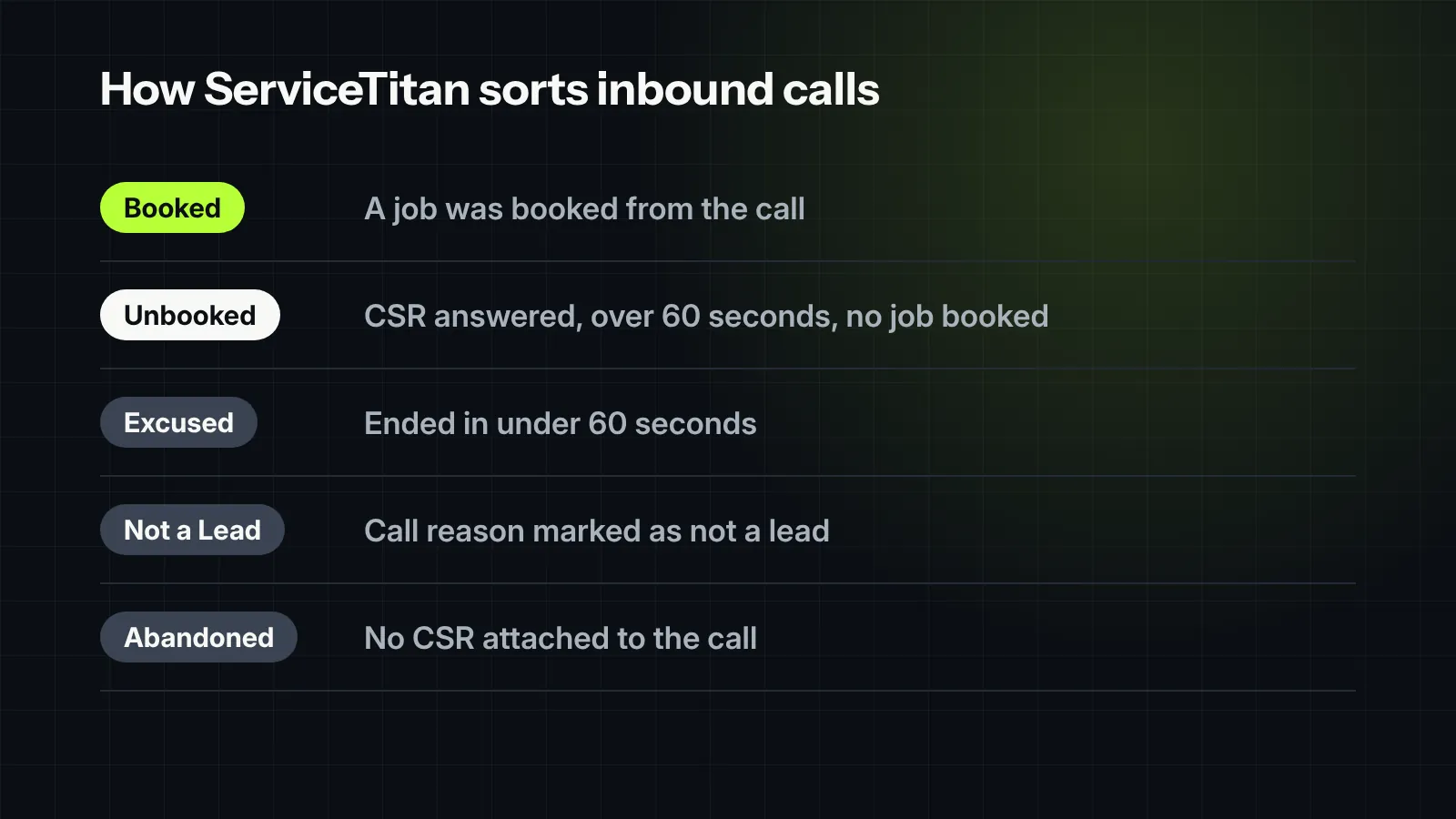
ServiceTitan’s help article on call classifications lays out how each inbound call is labeled:
| Classification | What it means |
|---|---|
| Booked | A job was booked from the call. This raises the booking rate. |
| Unbooked | A CSR answered, the call lasted more than 60 seconds, and no job was booked. |
| Excused | The call ended in under 60 seconds. This can’t be set by hand. |
| Not a Lead | The call reason was marked as not a lead, like a billing question or a vendor. |
| Abandoned | ServiceTitan can’t tell which CSR handled the call, because the CSR answered without clicking the call or nobody answered. |
Three setup problems that skew the number
- No call reasons. Without call reasons set up, ServiceTitan treats any call over 60 seconds as a lead. Your parts supplier, the customer asking about an invoice and the homeowner who wants an estimate all count the same, and booking rate looks worse than it is.
- Too many “Abandoned” calls. When a CSR answers without clicking the incoming call in ServiceTitan, the system can’t tie the call to that person. Those calls can’t be credited to anyone, and CSR booking rates stop meaning much.
- Loose “not a lead” labels. If a CSR can mark a tough call as “not a lead,” some will. Keep the list of non-lead call reasons short and specific, and review it.
Fix these first. Coaching a team on a number that isn’t measured right is a fast way to lose their trust.
What unbooked calls are telling you
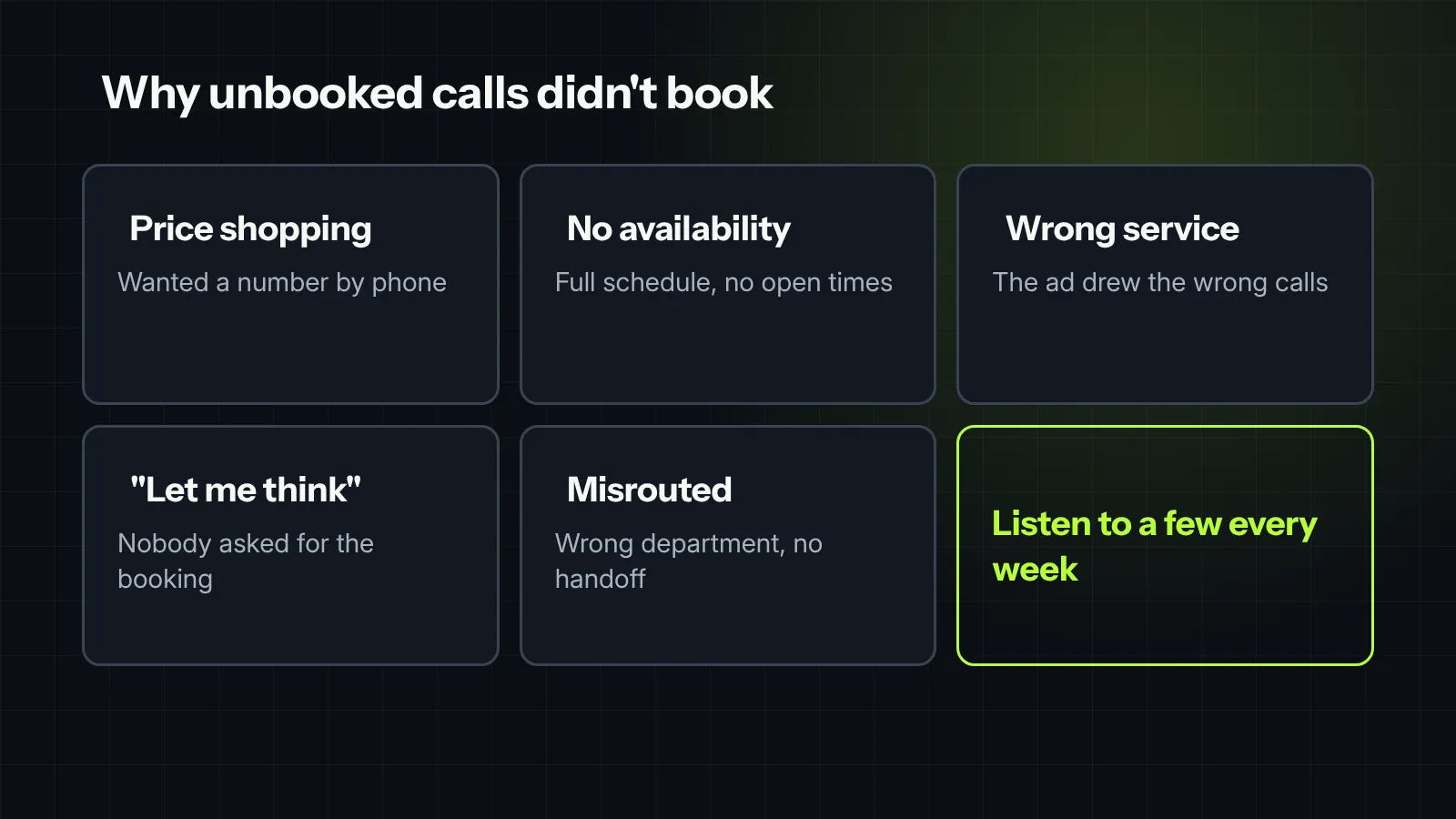
Unbooked calls are the most useful pile of data you have. These were real conversations, over a minute long, that didn’t end with a job. Listen to a sample every week and sort them by reason:
- Price shopping. The caller wanted a number over the phone. Does your team have an answer that moves them to an appointment?
- No availability. The schedule was full or the CSR couldn’t see open time. That’s a capacity or dispatch problem, not a sales one.
- Service you don’t offer. Fine, but if a lot of these come from one campaign, the ad is attracting the wrong calls.
- “Let me think about it.” The CSR didn’t ask for the booking, or didn’t offer specific times.
- Should have been a lead elsewhere. Misrouted calls, wrong department, no handoff.
Look at booking rate three ways
- By CSR. Who books well, and what do they say that others don’t? Use their calls to train the rest.
- By campaign. A source with a low booking rate may be sending the wrong callers, not just cheap ones.
- By time of day and day of week. Booking often drops at lunch, at shift changes and after hours.
The campaign view only works when campaigns are attached correctly, which is covered in call tracking for contractors.
What a few points are worth
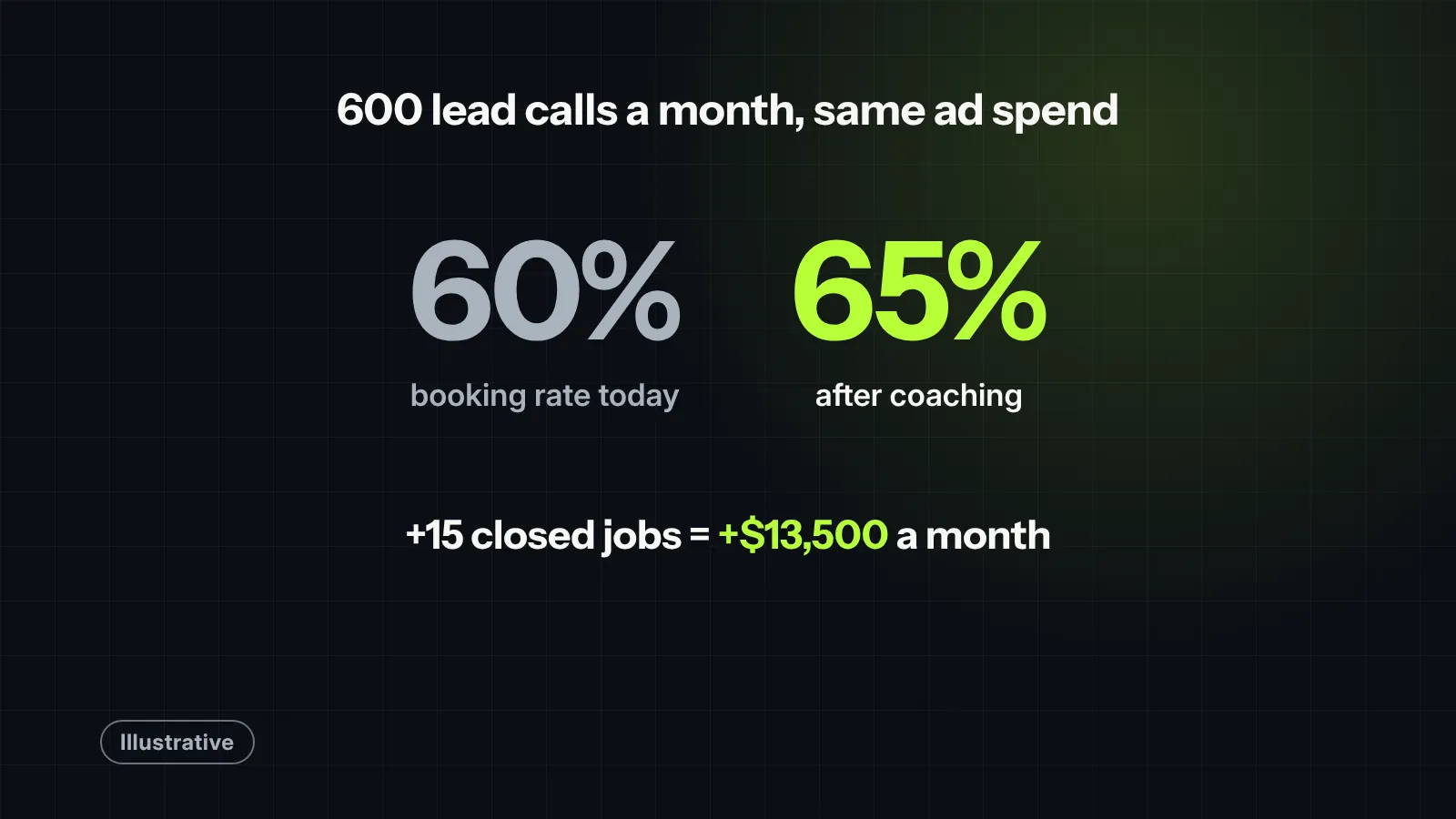
These numbers are made up to show the method. Swap in your own.
| Today | After coaching | |
|---|---|---|
| Lead calls in a month (illustrative) | 600 | 600 |
| Booking rate | 60% | 65% |
| Booked jobs | 360 | 390 |
| Closed jobs, at a 50% close rate | 180 | 195 |
| Revenue at a $900 average ticket | $162,000 | $175,500 |
Five points of booking rate adds 15 closed jobs and $13,500 a month in this example. Same calls, same ad spend.
Coaching that moves the number
- Offer two times. “I have tomorrow 8 to 10 or Thursday 1 to 3” books more than “When works for you?”
- Answer price with the visit. Explain what the diagnostic or estimate covers, and what it costs, without guessing at the repair.
- Always ask for the booking. A surprising number of unbooked calls never got the question.
- Click the call. Every call answered in ServiceTitan, so it’s credited to the right person.
- Review weekly, briefly. Two or three recorded calls in a 15-minute huddle beats a quarterly training day.
And for the calls nobody answers at all, a fast follow-up helps. See missed-call text-back: what to say.

Field note
A low CSR booking rate in ServiceTitan isn’t always a training issue: often, it’s a tagging mistake. We reviewed a shop where the CSR booking rate was hovering at an alarming 42%. When we dug into the call logs, we discovered that vendor calls, wrong numbers, and existing customer reschedule requests were all being tagged as unbooked marketing leads. After clearing out those three setup mistakes and training the team on proper call classification, their true booking rate jumped to 74%. It turned out the CSRs weren’t failing on the phone: the system was just grading them on calls that were never bookable to begin with.
What we would check first in your account
- Whether call reasons are set up, and which ones are marked as not a lead.
- The share of calls classified as “Abandoned,” by CSR.
- Booking rate by CSR, by campaign and by hour, for the last quarter.
- A sample of unbooked calls, sorted by reason.
- Whether CSRs have a simple script for price questions and scheduling.
Want help with this? See our ServiceTitan and call tracking work.


