

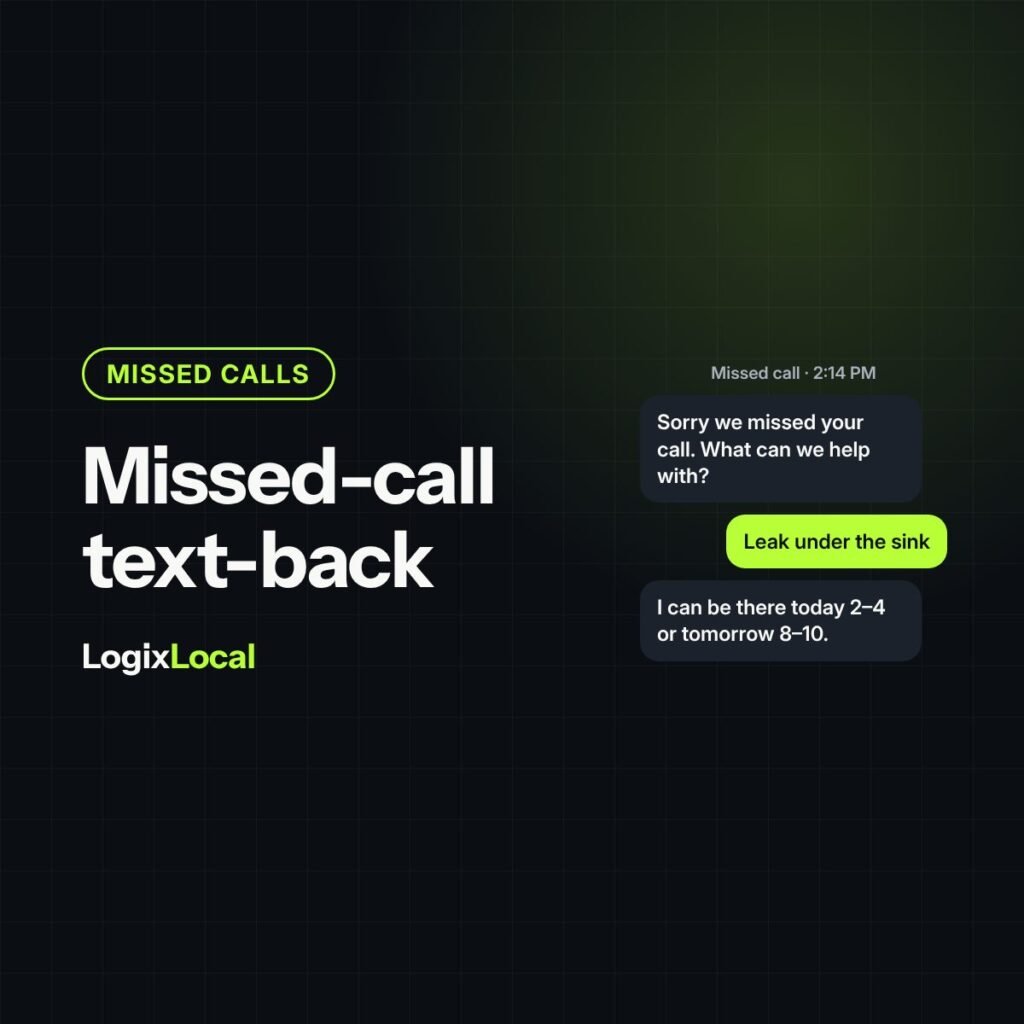
Short version: A missed-call text-back sends an automatic text to anyone whose call you didn’t answer, so they hear from you before they call the next company. Keep it short, human and specific: who you are, that you saw the call, and one easy question. Send it within a minute, make sure a real person answers the reply fast, register your texting number, and honor opt-outs. Done badly, it annoys people. Done well, it books jobs you were about to lose.
Plain definitions
- Missed-call text-back: an automatic text sent to a caller when a call goes unanswered or to voicemail.
- Speed to lead: how fast your team responds to a new inquiry.
- Opt-out: a request to stop receiving texts, such as replying “STOP.”
- 10DLC registration: the process carriers use to approve businesses that text from regular local phone numbers. Unregistered business texts can be filtered or blocked.
- Converted lead: a lead that turned into an appointment.
Remember pagers? A pager didn’t solve anything. It just told you someone needed you, so you could call back fast. A missed-call text-back does the same job for your customer, in reverse: it tells them you know they called, and you are on it.
It is one of the cheapest fixes in home-service marketing. It is also easy to get wrong. Here is what to say, when to send it, and where it backfires.
Why a text beats a voicemail
A homeowner with a leaking pipe calls you. Nobody answers. They don’t leave a voicemail. They call the next company on the list.
A text that lands within a minute interrupts that. It tells them a real business saw the call and wants to help. Many people would rather text than talk anyway, especially at work.
It won’t save every missed call. It doesn’t need to. If you already track missed calls by source, as covered in call tracking for contractors, you can see exactly how many it could recover.
What to say: four parts, under 300 characters
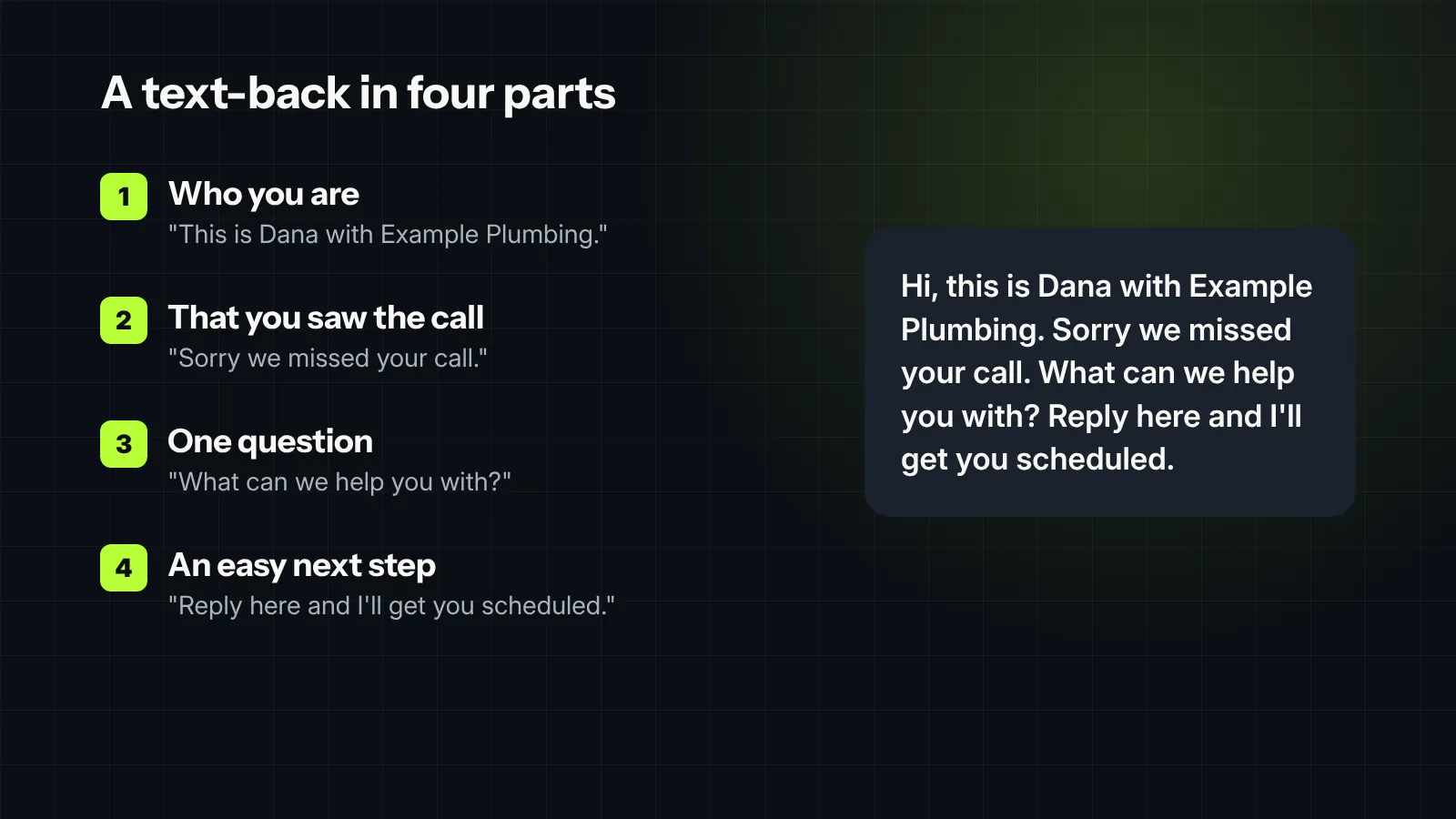
The best text-backs read like a person wrote them, because a person would have. Keep it to four parts:
- Who you are. Your first name and the company. “This is Dana with Example Plumbing.”
- That you saw the call. “Sorry we missed your call.”
- One question. “What can we help you with?” or “Is this about a leak or a new install?”
- An easy next step. “Reply here and I’ll get you scheduled.”
Skip the website link in the first text. It adds clutter, and links in a first message can look like spam. Save it for later in the conversation, if they need it.
Three versions worth starting with
During business hours:
Hi, this is Dana with Example Plumbing. Sorry we missed your call. What can we help you with? Reply here and I’ll get you scheduled.
After hours:
Hi, this is Example Plumbing. We’re closed for the night, but we got your call. Reply with what’s going on and we’ll text you first thing at 7:30 AM. If water is actively leaking, reply URGENT.
For an existing customer:
Hi Mike, this is Dana at Example Plumbing. Sorry we missed you. Is this about the water heater we installed, or something new?
Only promise what you can deliver. If “URGENT” means someone calls back within 15 minutes, make sure someone actually does.
When to send it
- Within a minute or two. The text needs to beat the next phone call they make.
- After a short delay, not instantly. A 30 to 60 second delay keeps the text from landing while the caller is still on hold or being transferred.
- Once. One text-back per missed call. If they don’t reply, a person follows up with a call, not three more automated texts.
- Different after hours. Set expectations about when you’ll respond, and keep anything promotional out of late-night messages.
Set up the reply side before you turn it on
The automatic text is the easy part. What happens when someone replies decides whether it books jobs.
- Pick an owner. Replies go to a named person or a small team, on their phone or desktop, not a shared inbox nobody checks.
- Set a response target. A person replies within two minutes whenever you are open. After hours, the text says exactly when someone will reply, so nobody thinks they are chatting with a live rep. Treat a text reply like a ringing phone.
- Have the next message ready. Once they say what they need, offer two appointment times, the same way you would on a call.
- Move to a call when it helps. If the job is complicated or urgent, “Can I give you a quick call?” is often the fastest route to a booking.
- Log it. The conversation, the source and the outcome go into the CRM, just like a phone lead.
A good second message:
Got it, a leak under the kitchen sink. I can have a plumber there today between 2 and 4, or tomorrow morning between 8 and 10. Which works better?
Use it for forms and missed chats too
The same idea works for web forms that come in after hours, and for chat conversations that end without a booking. A short, human text that picks up the conversation beats an automatic “we received your submission” email.
Keep the same rules: one text, a real reason, a fast human reply, and no marketing to people who haven’t agreed to it.
Test the wording, then leave it alone
Small wording changes can move reply rates. Try one change at a time for a few weeks, such as a first name versus the company name only, or a specific question versus “How can we help?” Keep the version that gets more replies and more appointments, not just more replies.
Then leave it alone and look again next quarter. The goal is a text-back that quietly works, not a weekly copywriting project.
Text-back, answering service or both?
Text-back and a live answering service solve the same problem in different ways. Many companies use both.
| Missed-call text-back | Answering service | |
|---|---|---|
| What the caller gets | A text within a minute or two | A live person, right away |
| Best for | Short gaps: lunch, busy hours, overflow | After hours and emergency calls |
| Who books the job | Your team, when they reply | The service, if it can see your schedule |
| Weak spot | Replies that sit unanswered | Generic scripts and cost per call |
A common setup: text-back during business hours for overflow, and an answering service after hours for anything urgent. Either way, the first fix is still answering more calls live.
Where text-back backfires
- Nobody answers the reply. The worst outcome. The homeowner replies, and the reply sits in a shared inbox for three hours. Route replies to a person, with a target response time.
- It sounds like a robot. “Your call is important to us” in text form. If it reads like a bot, people treat it like one.
- It texts landlines and businesses. The text fails quietly. Your report counts it as sent.
- It ignores opt-outs. Someone replies STOP and keeps getting messages. That is both bad manners and a legal risk.
- The number isn’t registered. Carriers filter or block unregistered business texts from local numbers. Your texts look sent and never arrive.
- It replaces answering the phone. Text-back is a safety net, not a staffing plan. If half your calls go unanswered, fix that first.
The rules, in plain English
This is not legal advice. Texting rules change, and some states add their own. Have your attorney review your setup. The basics:
- Texts count as calls under federal law. The Telephone Consumer Protection Act (TCPA) covers text messages.
- Replies and marketing are different. A text about the call someone just made to you is different from a promotional text. Marketing texts generally need the person’s prior written consent. Keep the text-back about their call, not your current special.
- Honor opt-outs fast. Since April 11, 2025, FCC rules say people can opt out by any reasonable means, including replying “stop,” “quit,” “end,” “revoke,” “opt out,” “cancel” or “unsubscribe.” Requests must be honored within ten business days. Most texting tools do it instantly, which is better.
- One confirmation, no pitch. You may send one confirmation of the opt-out within five minutes. It can’t include marketing.
- Mind the clock for anything promotional. Federal rules bar telephone solicitations before 8 a.m. and after 9 p.m. in the recipient’s local time. Some states set tighter hours.
- Register your number. Your texting provider will walk you through 10DLC registration. Do it before you turn text-back on.
What it can recover, with illustrative numbers
These numbers are made up to show the method. Swap in your own.
| Step | Illustrative number |
|---|---|
| Missed calls from first-time callers in a month | 36 |
| Reply to the text-back, at 40% | 14 |
| Book an appointment, at 50% of replies | 7 |
| Closed jobs, at a 35% close rate | About 2 to 3 |
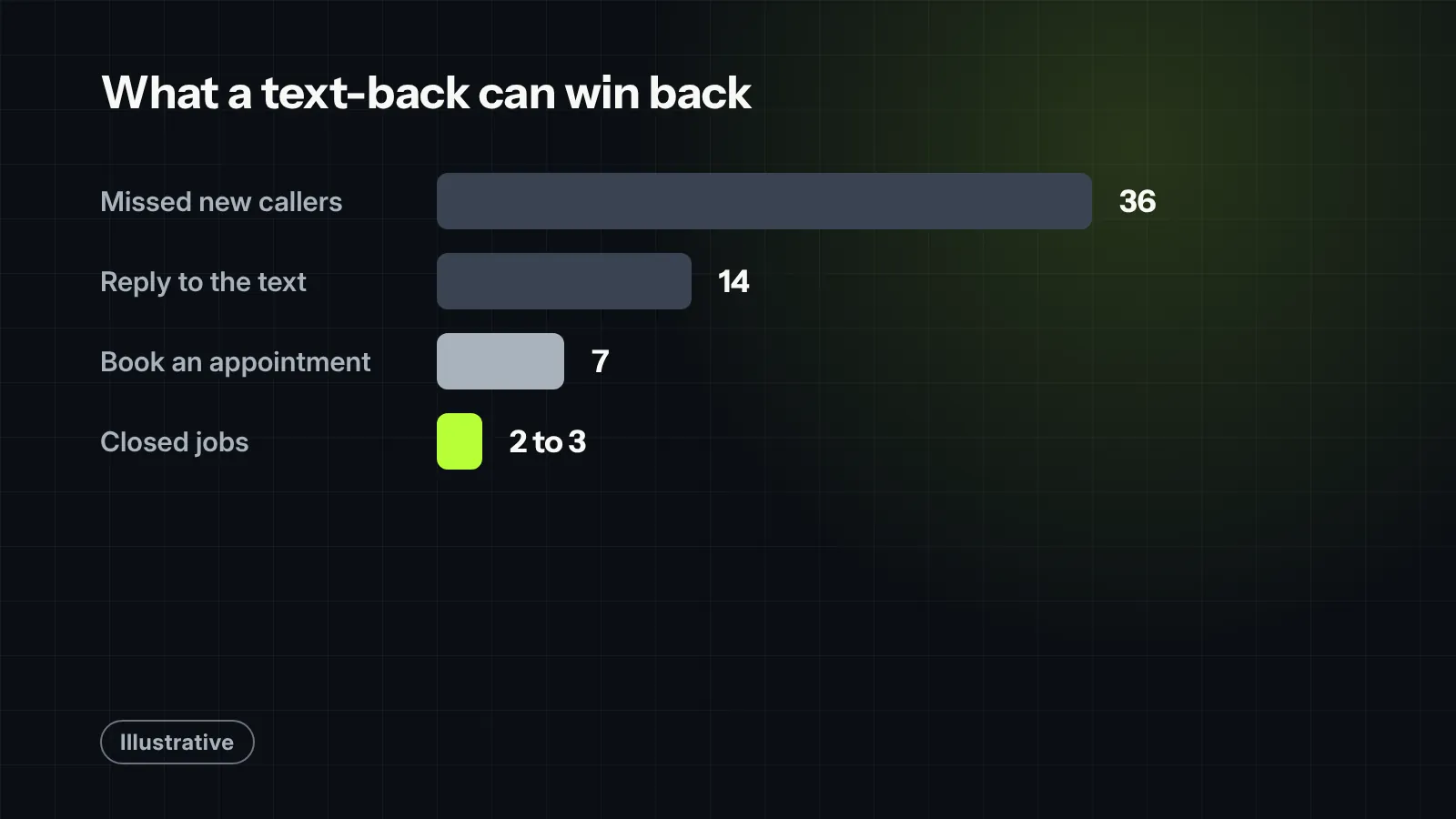
Two or three extra jobs a month from a tool that costs little to run. And the appointments you recover are from people who already chose to call you.
Measure it like any other source
- Reply rate: replies divided by text-backs sent.
- Time to human reply: how long a reply waits before a person answers.
- Appointments booked from text-back conversations, tagged in your CRM.
- Opt-out rate: if it climbs, your message or timing needs work.

Field note
Automated missed-call text-back can save deals, but only if your process behind it is locked in. We set up an automated “Sorry we missed you!” text workflow for a home services team to capture after-hours missed calls. It immediately started engaging homeowners, but the client’s team assumed the automation was handling the entire conversation and didn’t jump in to manually respond for 30 to 40 minutes. Instead of securing the appointment, the delay frustrated homeowners who thought they were chatting with a live rep. An automated text-back opens the door, but if a human doesn’t walk through it within two minutes, it can backfire fast.
What we would check first in your account
- How many calls went unanswered last month, by hour, and how many were first-time callers.
- Whether a text-back is set up, what it says, and how fast it sends.
- How long replies wait before a person answers them.
- Whether your texting number is registered and opt-outs are honored automatically.
- Whether appointments booked by text are tagged so you can count them.
Want help setting it up? See our missed-call text-back work.


